
How to Search Cases by Name
For a 9th Judicial District Court case, first pin down the category. Civil, probate, criminal, traffic, marriage, and recording records sit in different Clerk indexes. The RAPID E-Search overview spells out the options. Those include Civil and Probate Suit Inquiry, Criminal Inquiry, Daily Register, Marriage License Inquiry, traffic inquiry, and more. A city court or mayor's court case has to go back to the court that issued it. RAPID's live search screen sits behind an account. So the Clerk's public materials never spell out its exact name fields, matching rules, or filters. Nobody outside a paid account can describe that form. The Clerk's paper Search Order Form gives you a documented fallback when the portal route is unclear.
- Choose the right court and record category before searching. Alexandria and Pineville city cases are not automatically 9th JDC cases.
- Gather the full legal name, likely spelling variations, approximate filing year, case type, and division if known. Do not add unnecessary private identifiers to a public request.
- Sign in to RAPID E-Search if using the paid remote county service, then select the documented inquiry category that fits the record.
- Compare any result with the court, party, year, and case type. A matching name alone does not identify the correct case.
- Use the Clerk’s paper search or copy-request route when an account search cannot be completed, the matter predates online coverage, or a public document is needed.
| Field or control | Type | Required | Notes |
|---|---|---|---|
| RAPID sign-in | Account gate | Required for the live interface | The exact post-login name and number fields are a documented research gap. |
| Civil and Probate Suit Inquiry | Named inquiry category | Available after account access | The Clerk identifies the category but does not publish every live filter. |
| Criminal Inquiry | Named inquiry category | Available after account access | Use the case type and court context to avoid mixing record families. |
| Name | Paper-form text field | Listed on the Search Order Form | The form supports civil, criminal, or marriage searches and separate name variations. |
| Year range | Paper-form checkboxes | Listed on the Search Order Form | The form offers 10, 20, 30, or other years; it does not promise a result or turnaround time. |
Rapides Parish RAPID Account Access
RAPID is the Clerk's paid index and image service for Rapides Parish court records. A day of access costs $20 plus $1 per page. Monthly access runs $60 plus $0.75 per page. A yearly plan costs $600 plus $0.75 per page. Registration requires a verified email, standard browser tools, and card authorization. The system stays up except for maintenance and a 3:00 a.m. daily backup. The Clerk's RAPID E-Search information lays out what the portal covers and its conditions. The account-only search form itself is not part of that page.
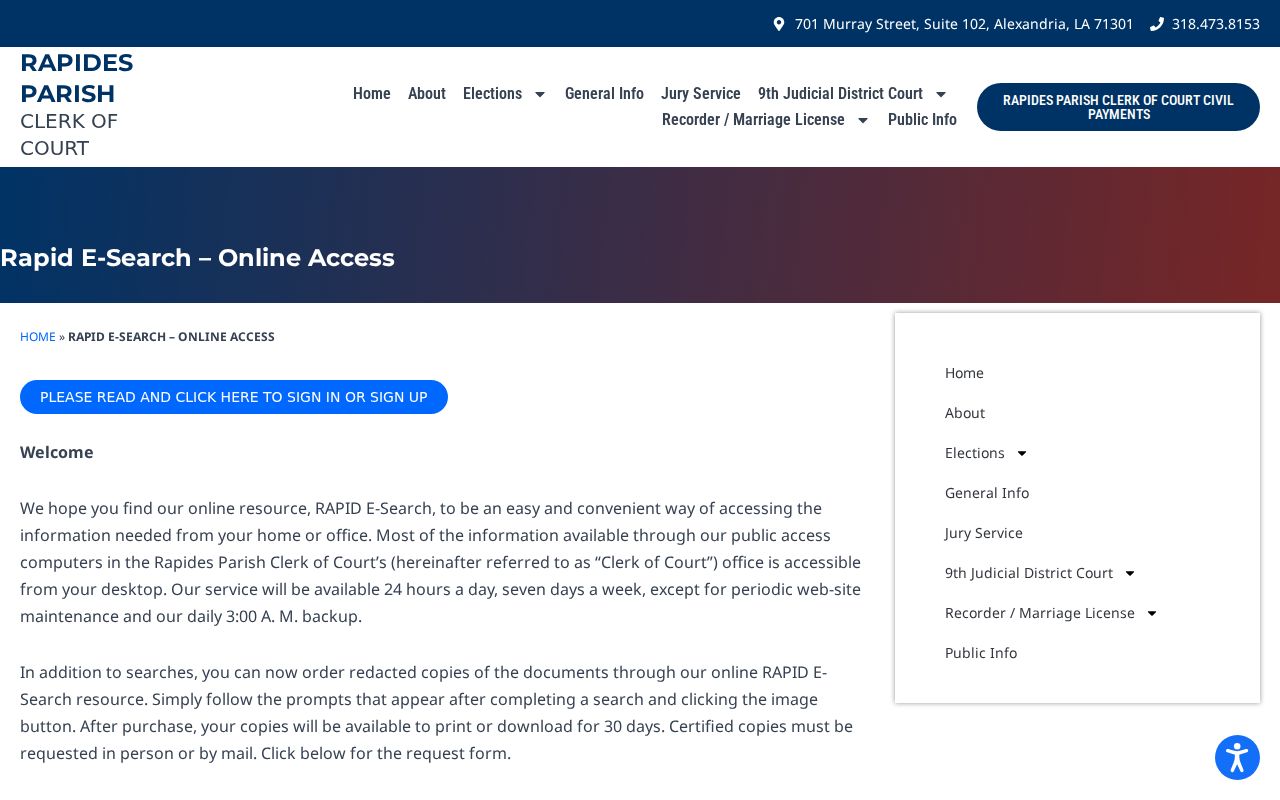
Once you buy images, you have 30 days to print or download them. The terms bar account sharing, scraping, and automated collection. One more rule matters: if an online copy ever conflicts with the physical office record, the Clerk says the office copy controls.
How to Search by Case Number
Search with the full case number exactly as the court issued it. That beats a common name every time. A case number can be checked against the case type, filing year, parties, and division, which makes it far harder to pull the wrong file. Keep it in the form shown on the document: case number exactly as issued. Rapides Parish publishes no single numerical format covering every 9th JDC case family, so never guess at a year, prefix, or sequence.
A number from a federal case, a city court, the Louisiana Court of Appeal, or a municipal court never converts into a 9th JDC number just because the matter touches Rapides Parish. Federal cases run through PACER and CM/ECF. An appeal opens a separate Louisiana Third Circuit record. If your number is incomplete, ask the Clerk or the responsible court how to write it on a search or copy request.
Rapides Parish Case Search Coverage
Online coverage in RAPID depends on the inquiry category. Civil and probate indexes reach back to October 1984, with images from March 1994. The criminal index starts January 1984, and Bills of Information images begin May 2003. Traffic inquiry covers January 1990 forward, with no images. Marriage-license inquiry covers January 1865 forward, also without images. Recording Select Index or Documents can reach January 1865. Treat these as system coverage dates, not a promise that every file is online.
A record can still predate an index. It can carry a different spelling, sit with another court, or be restricted. The Clerk's history notes that a courthouse fire destroyed records before 1865, a separate historical limit. And a no-result docket search says nothing about a person or a case.
What a Case Search Shows
A public case search can return several things. An index entry, a docket event, a calendar setting, an image, or a pointer to a clerk-held file are all possible. How much you see depends on the inquiry category, online coverage, access controls, and redaction. A full court record is not the same as a calendar line, a payment confirmation, a police record, or an appellate docket. Know which one you are reading.
| Case number | The court’s identifier where available. Use it to cross-check a calendar, order form, or Clerk request. |
|---|---|
| Parties or style | The public caption or party information used to distinguish a case, subject to redaction and access limits. |
| Case type | The record family or court context that directs the search to civil, criminal, traffic, probate, marriage, or another inquiry. |
| Filed or event date | A filing, minute, or calendar date when the selected index or docket exposes it. |
| Document availability | An image may be available, unavailable for that coverage period, redacted, counter-only, or restricted. |
For a court date, check the 9th JDC calendar and confirm it with the court. For the fuller civil docket and public documents, use the Clerk record route.
Rapides Parish Clerk Search Forms
The Clerk Search Order Form is the paper route for name searches. It covers civil, criminal, or marriage-license searches. It asks for the name, date of birth, a year range, a signature, an address or firm, a phone, and bill-account details. Fees run $20 per name and search type, plus $10 for each variation. The form promises no online submission and no turnaround time.
The General Public Copy Request handles civil, criminal, marriage, conveyance, mortgage, and other copy requests. Certification is an option, as is mail or fax return. Written and in-person requests both work. Phone copy orders are not accepted. A mail request needs a self-addressed stamped envelope, and public requests are paid in advance.
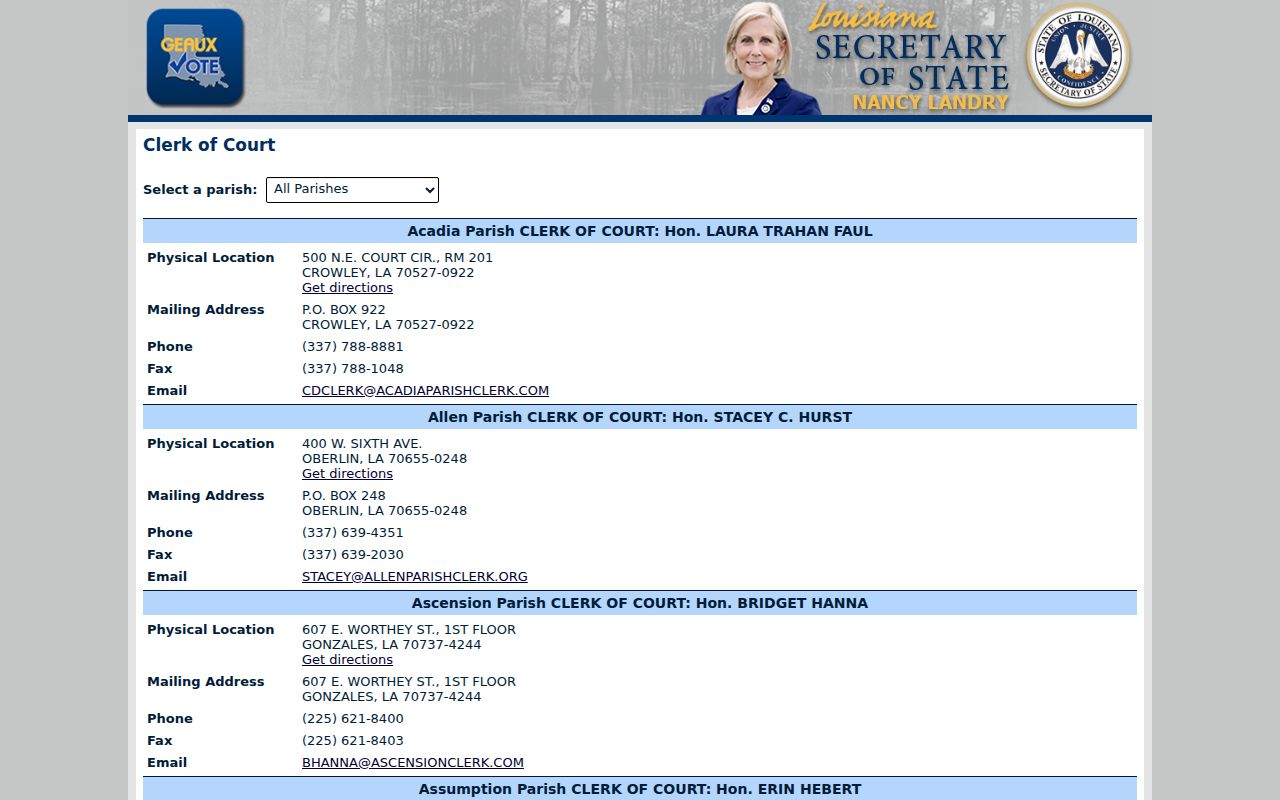
The Louisiana Secretary of State clerk directory confirms the parish's Clerk of Court. Karan A. Corley holds that office, which holds the parish's records.
Call the Clerk's main line at 318-473-8153 to get routed to the right department. Staff will point a Rapides Parish case request in the proper direction, though they will not read legal documents or proceedings over the telephone.
County vs Statewide Case Search
RAPID is the Rapides-specific search. It is the route to parish court records and case images. On top of it sits Louisiana's eClerks LA and LCRAA infrastructure, which supplies statewide clerk links, remote-access structure, and deep land or recording context. No single free statewide trial-court docket search replaces RAPID for every Rapides civil or criminal case. That gap matters. Treat the statewide layer as a way to identify the right clerk framework, not as a promise of a county case result.
| Statewide clerk layer | Rapides Parish route |
|---|---|
| eClerks LA and LCRAA provide statewide infrastructure, participating-clerk context, and land or recording connections. | RAPID E-Search is the Clerk’s paid county index and available-image service. |
| Coverage and image dates vary by parish and record type. | RAPID publishes its own inquiry categories and date coverage for Rapides. |
| Useful for statewide clerk or recording context, not a guaranteed free case docket. | Best starting point for a known 9th JDC record, followed by the Clerk counter or form when needed. |
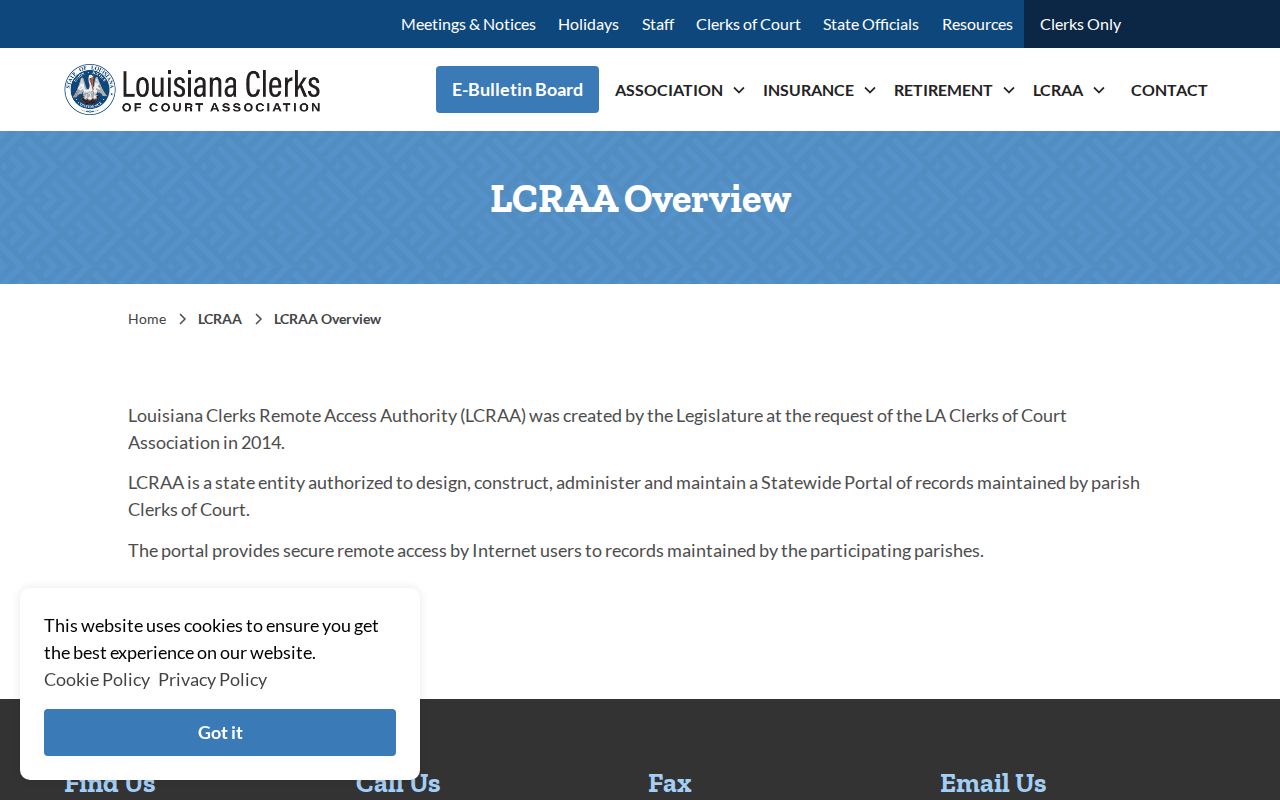
The LCRAA overview comes straight from its official source. It lays out the statewide project's role without promising a universal Rapides case search.
For a local court file, go narrower. The Clerk's own coverage table and the responsible court remain the more precise references for record access.
Rapides Parish Case Search Courts
Match the matter to the court before any Rapides Parish case search begins. The 9th JDC covers general-jurisdiction civil, criminal, family, estate, probate, and juvenile work. Those matters stay subject to confidentiality rules. Alexandria City Court serves Wards 1, 2, and 8. Pineville City Court keeps its own clerk and location. Ball, Woodworth, and Glenmora mayor's or magistrate's matters live in municipal records. A parishwide address alone does not make each of those files a RAPID case.
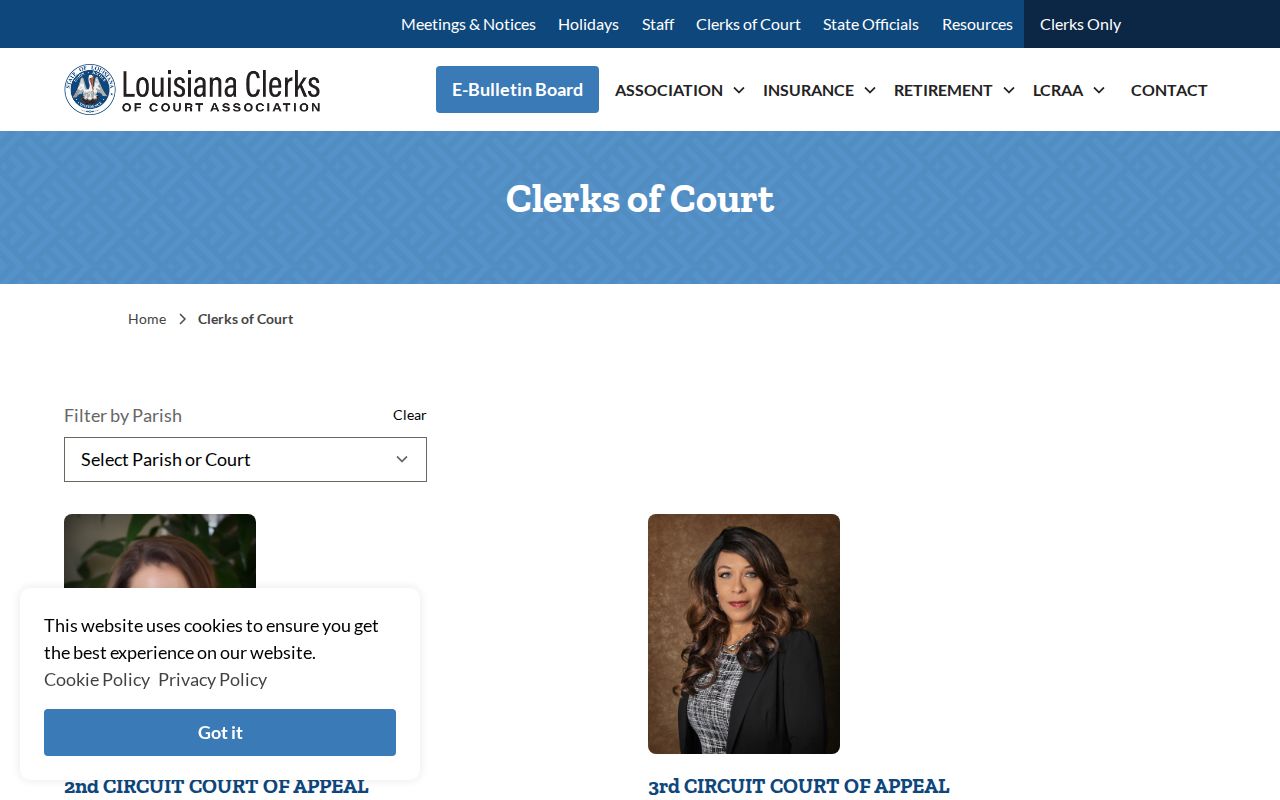
The Louisiana Clerks of Court Association directory offers a statewide clerk reference. It comes from its official source. Even so, a city-court calendar, municipal vendor, or federal case still requires its own custodian. It also needs its own search path.
Federal civil, criminal, and bankruptcy cases for the Alexandria Division sit outside RAPID entirely. Use the federal court's PACER or CM/ECF route rather than a parish Clerk inquiry.
Restricted Cases and Access Rules
Public access to Rapides Parish court records is broad, but it has limits. Juvenile proceedings are generally confidential. The 9th JDC's juvenile page states they are closed to the public. The Clerk flags adoptions and judicial commitments as nonpublic categories. Sealed records, expunged information, protected domestic or protective material, and personal identifiers can restrict the index. They can also limit the document image or only selected fields.
If access is denied, ask whether the whole record is restricted. Or ask whether a redacted public copy, minute entry, docket summary, or certificate of non-public status exists. When the custodian can provide it, ask for the legal basis or order number. A request to inspect a record is not a motion to unseal. Only a court can decide that.
Note: A name search with no result can stem from a wrong court, an index limit, a spelling difference, sealing, or expungement. It establishes nothing about a person's history.
Rapides Parish Case Search Records
Louisiana's remote-access framework supports electronic filing, recording, and clerk access. It does not make every record free, searchable with the same fields, or available as an image. The Clerk's original physical record remains the official one. RAPID information may be an access copy. It is shaped by the inquiry category, image dates, redaction, and the terms of the purchased account.
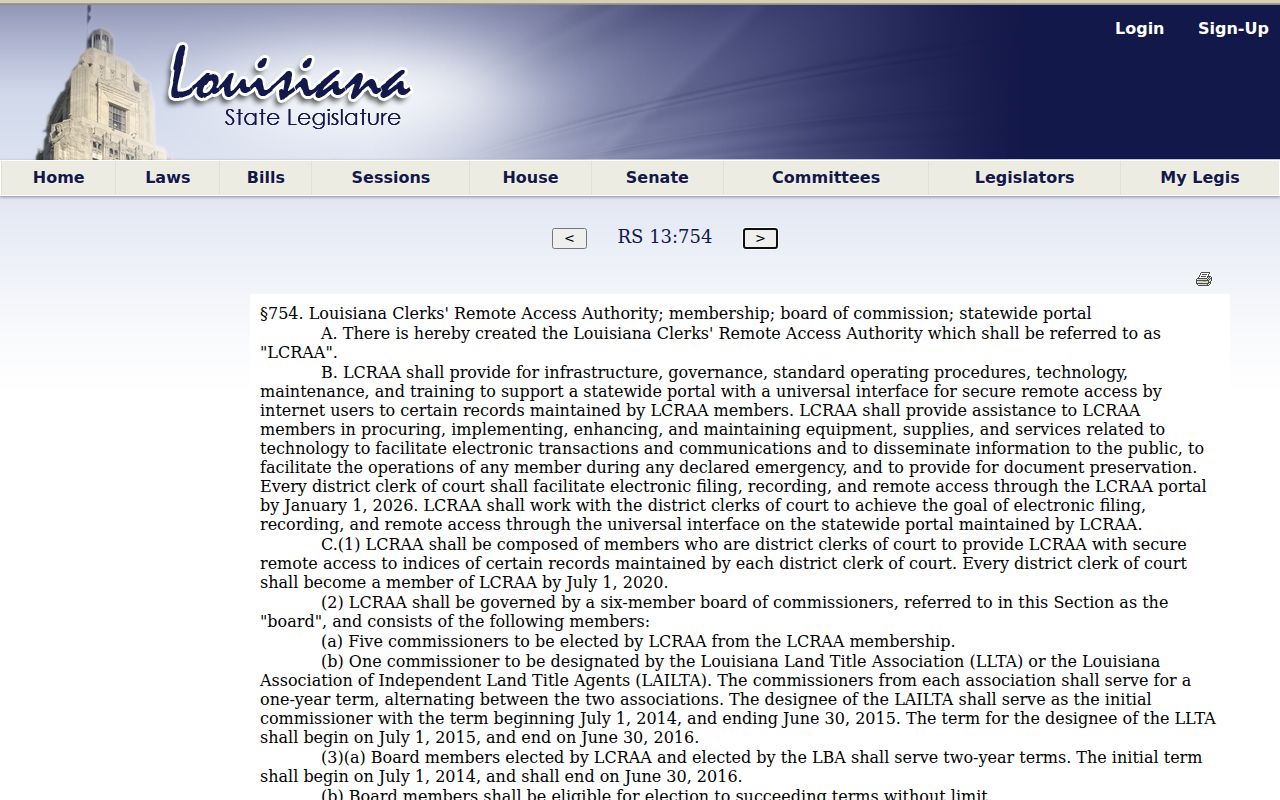
The La. R.S. 13:754 source establishes the LCRAA framework behind remote clerk access. It does not remove the need to ask the Rapides Clerk for a specific public file. That request still goes to the Clerk.
When exact wording or authentication matters, request a certified copy. Better yet, inspect the official file through the Clerk. If you rely on a remote result, record the source date, inquiry type, and document reference.
Rapides Parish Case Search Safety
The Clerk's March 2026 notice warns of an imposter email built around a court-appearance theme. Official appearance notifications, it says, are not sent by email in that manner. Verify any court date, payment demand, or account instruction through a phone number published on an official court or Clerk page. Never follow an unsolicited payment link to resolve a supposed case issue.
The Clerk's current privacy notice also bars specified private identifiers from filings. Keep a records request to the court, case number, or public party information. Do not volunteer a full Social Security number, full date of birth, financial-account detail, or driver's-license number to an unverified contact.